Published September 26, 2026
Protect Field Service Data by Running Systems in Parallel for 90 Days

A migration is usually the right move once the cost of staying on your current system outpaces the cost of switching. Before you touch a vendor contract or a training calendar, export a full backup of your data, both a CSV and a raw archive, and lock it somewhere safe. Plan on a realistic runway of several months for a mid-size team, shorter if your crew is small.
TL;DR:
Migration timelines vary from a few weeks for small teams to several months for larger enterprises, with longer parallel runs recommended for complex integrations.
Prioritize exporting and cleaning customer data, job history, and custom fields to prevent common failures caused by messy exports and incomplete cleanup.
Test the full accounting process, including invoice creation and GL mapping, with sample transactions before going live to avoid errors in revenue recognition and reporting.
Maintain the legacy system as read-only during the transition and conduct at least 90 days of parallel operation with regular reconciliation to prevent costly data losses.
Conduct a pilot with representative staff, including technicians and dispatchers, and gather feedback early to improve adoption, workflow, and prevent reversion to paper processes.
Table of Contents
-
Phased migration framework: plan, extract, transform, load, and monitor
-
Pilot, training, and technician adoption plan to prevent reversion to paper
-
How ServlyPro helps migrations and what to ask during vendor discussions
-
Authoritative resources for migration and cybersecurity guidance
Why migrate now and what outcomes you should expect
The strongest case for switching shows up in the numbers your office already tracks: admin hours spent chasing paperwork, jobs that get double-booked, quotes that take days instead of minutes. Automation built into modern platforms, including AI-assisted quoting and visual job tracking, is designed to cut that administrative load so your team spends more time on billable work and less on data entry.
A few signals tend to show up together when it is time to move:
-
Admin time keeps climbing even though job volume is flat.
-
Dispatch relies on phone calls and sticky notes instead of a shared schedule.
-
Reporting cannot answer basic questions like which jobs made money last quarter.
-
Your current vendor has announced an end-of-life date or stopped shipping updates.
The risk sits on the other side of the ledger. Rushed migrations lose job-cost history, break accounting mappings that took years to tune, and push frustrated technicians back to paper. Data migration guides for field service platforms note that exporting and cleaning customer records, service history, and job data is the most common point of failure, not the software itself.
Migration failures rarely come from bad software. Field service migration research points to messy exports and skipped cleanup as the recurring cause, which is a planning problem you can control.
Phased migration framework: plan, extract, transform, load, and monitor
A migration that works follows a sequence, not a scramble. Each phase has its own owner and its own pass or fail line.
-
Plan and audit. Define scope, list the reports you cannot afford to lose, assign a project owner, and get sandbox access from your new vendor before moving a single record.
-
Extract and cleanse. Pull full exports of every data set, deduplicate customer records, standardize addresses, and review your price book for stale line items.
-
Transform and map. Match old fields to new ones, build an ID mapping table between systems, document integration touchpoints, and create small test files before the real transfer.
-
Load and validate. Run the import into the sandbox first, resolve errors as they surface, and spot-check a sample of records against the source data.
-
Go live and monitor. Run both systems in parallel, reconcile totals daily, define what triggers a rollback, and set clear criteria for final cutover.
Budget a few weeks for planning and audit on a mid-size operation, then let extraction and mapping run longer since cleanup usually takes more time than anyone expects.
Pro Tip: Run at least two full test imports into the sandbox before you schedule a live cutover date, since the first import almost always surfaces mapping errors you will not catch by reading a field list.
Data migration best practices and common pitfalls to avoid
Not every record deserves the same priority. Focus your first export on customer master data, equipment and asset history, the last two to three years of job history, invoices, technician profiles, and your price book. Older archives can wait or live in a read-only export.

Custom fields cause more headaches than any other single item. Document your current schema before you touch anything, export the raw CSV as-is, then build a translation table that maps every old ID to its new counterpart. Keep that table even after cutover: it is the only record of how the two systems line up.
Open work orders need a decision, not a default. Simple, near-complete jobs are often easiest to close out and re-enter fresh in the new system. Complex, multi-visit jobs are riskier to split mid-stream, so many teams finish those in the legacy platform and migrate only the completed record.
-
Keep the legacy system in read-only mode for several weeks as insurance against a mapping error you discover later.
-
Never delete a source export until the new system has passed a full reconciliation cycle.
-
Treat the ID mapping table as a permanent reference, not a throwaway migration artifact.
Losing job-cost history is one of the costliest migration mistakes a contractor can make. LevelCFO’s analysis recommends a full CSV export before cutover, 90 days of parallel running, and a 30-day reconciliation audit as the minimum safety net.
How integrations change the migration and what to test
Your accounting connection is where a clean data migration can still go wrong. Before you trust the new system with real invoices, run one job through the entire chain: create the job, generate the invoice, take the payment, and confirm it lands correctly in your general ledger.
-
Verify every GL code maps to the right account and that tax behavior matches what your bookkeeper expects.
-
Check revenue recognition timing, since a shift in when revenue posts can quietly break your month-over-month trend comparisons.
-
Confirm class and location codes carry over, especially if you report profitability by crew or by service area.
-
Run the same test transaction through your payment processor to confirm fees and deposit timing match your existing setup.
Once you are live, run a 30-day reconciliation comparing revenue and job costs between the old and new systems, spot-checking a handful of individual jobs rather than trusting the totals alone. That single habit catches mapping errors before they compound into a quarter of bad reporting.
Pilot, training, and technician adoption plan to prevent reversion to paper
Software that nobody uses is not a migration, it is an expensive shelf item. A pilot group that includes at least one technician, one dispatcher, and one admin will surface real problems, from mobile app quirks to offline mode gaps, before the whole company depends on it.
-
Select a pilot group that mirrors your actual mix of roles, not just your most tech-comfortable staff.
-
Budget 30 to 60 minutes of hands-on training for technicians and 2 to 4 hours for dispatch and admin staff who touch more of the system.
-
Test the mobile workflow in a low-signal area, since field crews often work where connectivity is patchy.
-
Set manager-level KPIs, like daily job completions logged in the new app, to measure real usage rather than assuming adoption happened.
Enforce multi-factor authentication from day one, hand out short role-specific runbooks instead of a single dense manual, and keep a one-page quick reference near the truck cab or clipboard.
Pro Tip: Technician buy-in predicts success better than any feature list. Bring pilot technicians in during the mapping phase, not after the system is already built, so their workflow objections get solved before rollout instead of after.
Realistic timeline by size and a pre-cutover checklist
Timelines scale with team size and how deep your integrations run. Small teams of a few technicians can often complete a migration in a few weeks. Mid-size operations with several technicians typically need a few months, and larger enterprise rollouts with heavier integration work can run several months or longer.
Parallel running should last several weeks to a few months depending on complexity, longer when your accounting integration has more moving parts.
| Team size | Typical migration timeline | Recommended parallel run |
|---|---|---|
| Small (2 to 10 techs) | a few weeks | 30 days |
| Mid-size (10 to several technicians) | 3 to 4 months | 60 days |
| Enterprise (larger enterprise) | several months or longer | 90 days |
Before you approve cutover, confirm four gates: a successful sandbox import with error-free records, a fully tested accounting sync, sign-off from your pilot group, and stored CSV backups from every stage of the process.
-
Do not schedule cutover on a Friday or before a busy season, since a rollback needs a quiet window.
-
Treat cutover as a scheduled change-freeze event with a written runbook, not an improvised weekend switch.
How ServlyPro helps migrations and what to ask during vendor discussions
Automation, including AI-assisted quoting and visual job tracking, is built to reduce the admin lift that slows migrations down. When you talk to any vendor, ask directly about sandbox access, data export templates, whether they offer a migration warranty, and what post-launch support looks like. A useful pilot scope: migrate one service line first and test 10 to 20 recent jobs, including their accounting sync, before committing further.
What most migration failures actually have in common
The failures I keep seeing in the field are rushed cutovers and skipped reconciliation, not bad software choices. Keep your legacy system read-only for at least 90 days and run sample reconciliations against it. That one habit catches most problems before they become expensive.
— ServlyPro
Start a ServlyPro migration pilot
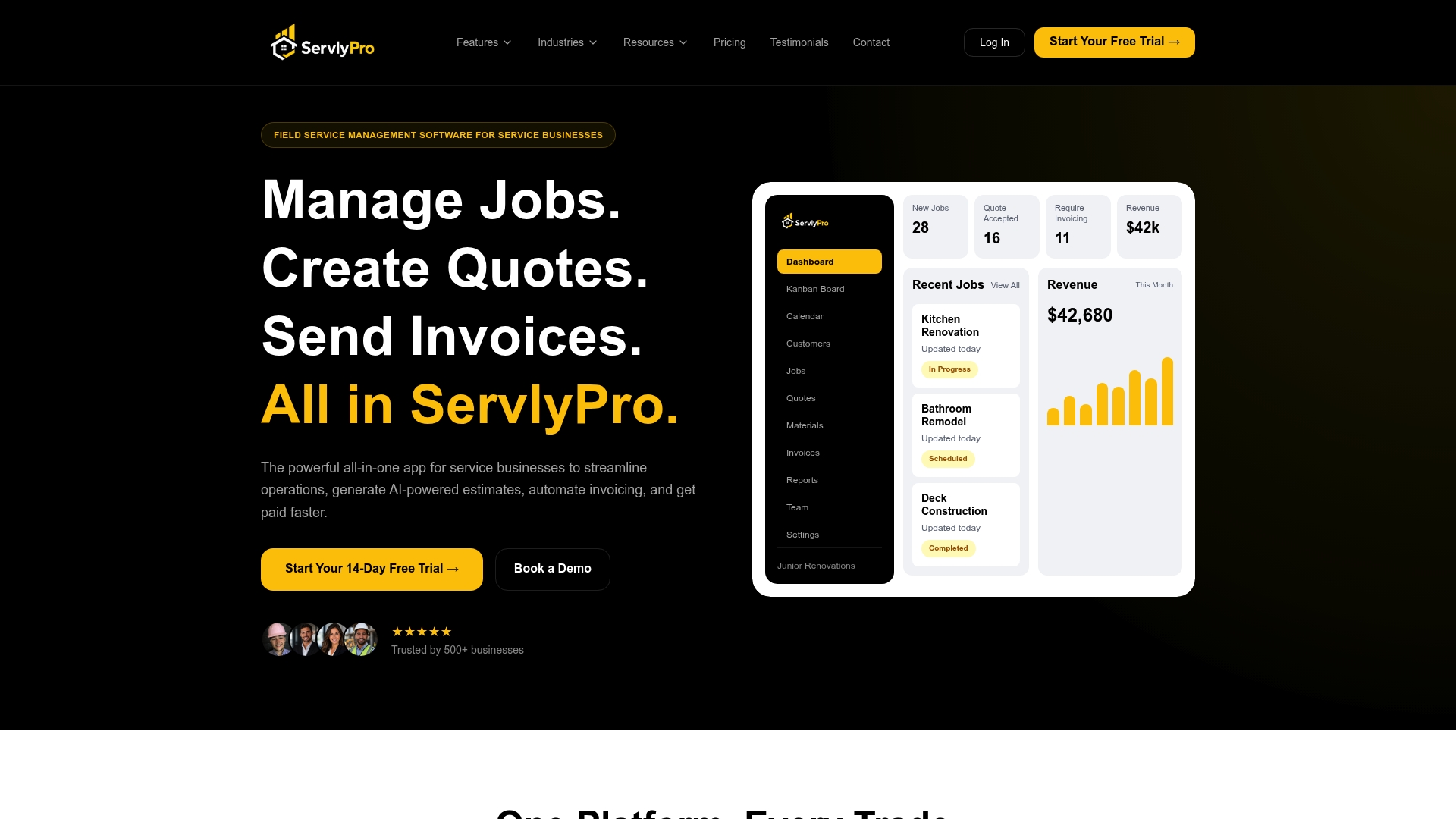
If you are ready to test the waters, send us your recent data exports, your top 20 services, and details on your accounting connector. We will scope a pilot around a single service line so you can see the AI-powered quoting and job tracking in action before committing further. Explore Starter, Pro, and Team plans to find the right fit for your crew size.
Authoritative resources for migration and cybersecurity guidance
-
FTC small business cybersecurity guidance: patching, TLS, and management responsibilities.
-
NIST small business security fundamentals: risk plan updates when adopting new systems.
-
Field service rollout planning guide: sandbox testing and cutover runbooks.
-
Support workflow guide for small teams: handoff practices during rollout.
Sources
-
You’re switching field software and you just lost 18 months of job cost data.
-
Small Business Information Security: The Fundamentals (NIST IR 7621r1)
FAQ
What software is best for field service management?
The right choice depends on your trade, team size, and which workflows matter most, whether that is scheduling, quoting, or invoicing. Look for a platform with sandbox testing, clear data export tools, and support during migration, since implementation quality often matters more than any single feature.
What’s the difference between CRM and FSM?
A CRM focuses on tracking customer relationships, communication history, and sales pipelines. Field service management software covers that same customer data plus scheduling, dispatch, technician tracking, invoicing, and job-cost reporting built specifically for on-site work.
How long does a CRM or FSM migration take?
Small teams of two to ten technicians typically complete a migration in three to six weeks, while mid-size operations with ten to a hundred technicians often need three to four months. Larger, more integrated rollouts can take four to six months or longer.
What is the biggest risk during a field service software migration?
Losing job-cost history and breaking accounting mappings are the most damaging risks, often traced back to skipped data cleanup or a rushed cutover. A full CSV backup, a 90-day parallel run, and a 30-day reconciliation audit address most of that risk directly.